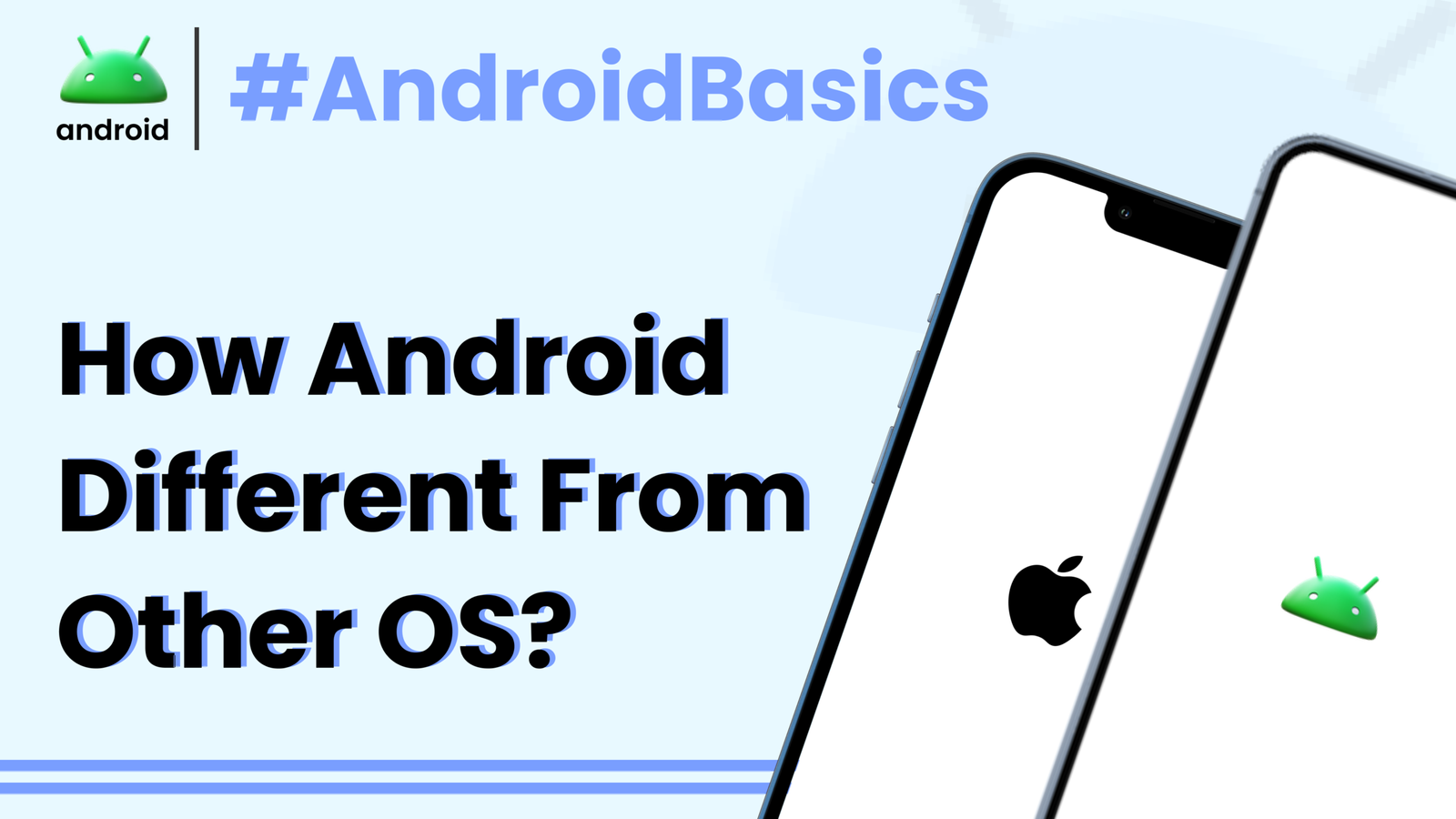
Ever picked up a new smartphone and felt a bit overwhelmed by the choices? Beyond the flashy screens and camera specs, there’s something fundamental at play: the operating system, or OS. Think of it as your phone’s brain, the core software that makes everything tick. While there are a few players in the mobile OS game, two giants dominate the scene: Android and iOS. They both aim to give you a great smartphone experience, but they go about it in refreshingly different ways. Understanding these differences isn’t just tech trivia; it helps you pick the right phone for your life and get the most out of it every single day.
As someone who’s spent years navigating both ecosystems, I can tell you that neither is inherently “better” than the other. They simply cater to different preferences and priorities. Let’s dive into what truly sets Android apart from its counterparts, particularly iOS, and why these distinctions matter to you, the everyday user.
Stepping Into the Mobile World: Why Operating Systems Matter
At its heart, a mobile operating system is the software that manages all the hardware and software resources on your phone. It’s what lets you touch an icon to open an app, swipe through photos, or connect to Wi-Fi. Without an OS, your smartphone would just be a fancy, inert piece of glass and metal. Every interaction, from the simplest tap to the most complex game, is orchestrated by this underlying system.
The differences between Android and other operating systems aren’t just cosmetic. They impact everything from how you personalize your device to the types of apps you can install, the hardware choices available, and even how long your phone stays up-to-date. It’s like choosing between a custom-built home and a meticulously designed, pre-fabricated one – both can be fantastic, but they offer distinct experiences.
Openness vs. The Walled Garden
Perhaps the most foundational difference between Android and iOS is their underlying philosophy: one embraces openness, while the other thrives within a more controlled, “walled garden” environment. This isn’t just technical jargon; it has a huge impact on your daily smartphone usage.
Android’s Freedom: What Open Source Means for You
Android is built on an open-source platform, meaning its core code is available for anyone to see, modify, and distribute. This philosophy, championed by Google, allows a vast array of manufacturers like Samsung, Xiaomi, Google itself, OnePlus, and many others to build devices running Android. It gives them immense freedom to customize the software layer, known as a ‘skin,’ to their liking.
For you, the user, this translates into an incredible diversity of phones. Think about it: a Samsung Galaxy phone feels different from a Google Pixel, even though both run Android. Manufacturers can add unique features, change the look of the interface, and integrate their own services. This flexibility also extends to the apps you can use, as Android allows for installations from various sources, not just the official Google Play Store. This open nature is also why you see so many innovations originating from the Android ecosystem first, as developers and manufacturers have more leeway to experiment.
iOS’s Precision: The Walled Garden Approach
On the flip side, Apple’s iOS is a proprietary, closed-source operating system. It runs exclusively on Apple’s own hardware—the iPhone. This means Apple has complete control over both the software and the hardware, leading to incredibly tight integration. There’s no room for other manufacturers to tinker with iOS, and you won’t find an iPhone made by, say, Samsung.
This “walled garden” approach offers distinct advantages. Because Apple designs everything from the chip to the software, iPhones often boast exceptional performance, consistent user experience, and robust security. Updates are delivered directly by Apple to all compatible devices simultaneously, ensuring everyone gets the latest features and security patches promptly. While it offers less customization freedom, this controlled environment often translates to a very smooth and predictable user experience, which many users highly value.
Customization and Personalization: Making Your Phone Truly Yours
One of the first things you’ll notice when comparing Android to iOS is the sheer degree of personalization possible. Android empowers users to truly make their device an extension of their personality and workflow.
Express Yourself: Widgets, Launchers, and Deep Control on Android
Android has long been the king of customization. Do you dislike how your phone’s home screen looks? You can install a custom launcher app that completely transforms its appearance and functionality. Want to see your calendar, weather, or music controls without opening an app? Android’s widgets are incredibly powerful and versatile, allowing you to place interactive information right on your home screen, often in multiple sizes and styles.
Beyond that, you can change default apps for almost anything – your browser, your messaging app, your keyboard, even your digital assistant. You can tweak icon packs, set live wallpapers, and delve deep into system settings to fine-tune notifications, app permissions, and battery usage. For example, I might use a third-party launcher like Nova Launcher to organize my apps into custom folders and apply a unique icon pack, giving my phone a look that’s distinctly mine and totally different from the default. It’s about having the freedom to sculpt your phone’s interface to perfectly match your preferences and needs.
The Streamlined Experience: iOS’s Approach to Personalization
For a long time, iOS offered very limited customization options, focusing instead on a consistent and straightforward user interface. While Apple has introduced more personalization features in recent years, such as home screen widgets and the App Library, they still operate within stricter guidelines.
You can arrange apps, create folders, and use widgets, but you can’t fundamentally change the launcher or system aesthetics in the same way you can on Android. The goal here is simplicity and ease of use, ensuring that every iPhone user has a similar, intuitive experience. While you can customize your lock screen and add widgets to your home screen, the depth of system-wide changes available on Android is generally not present in iOS.
Hardware Variety and Price Points: A Phone for Every Pocket
The open-source nature of Android directly leads to an incredible range of hardware choices, something that truly sets it apart.
The Android Universe: A Phone for Every Budget and Need
Because so many different manufacturers adopt Android, you can find an Android phone at virtually every price point imaginable, from budget-friendly devices costing under a hundred dollars to cutting-edge flagships that rival the most expensive phones on the market. This means you can choose a phone based on very specific needs: a massive battery, an incredible camera, a rugged design, a compact size, or simply the best value for money. There’s an Android phone designed for almost every individual and every budget.
This competition among manufacturers also drives innovation and keeps prices competitive. Want a phone with a stylus? Samsung’s got you. Need an incredible zoom camera? There are several Android options. This vast ecosystem ensures that if you have a specific feature in mind or a strict budget, you’re very likely to find an Android phone that fits the bill.
The Apple Ecosystem: Limited Choices, Premium Experience
Apple, by contrast, only produces its own line of iPhones. While there are different models (Standard, Pro, Plus, Mini in previous generations), they all reside firmly in the mid-to-high-end price spectrum. You won’t find a brand-new iPhone for under a few hundred dollars. This strategy allows Apple to maintain a premium brand image and focus on delivering a high-quality, consistent experience across its limited range of devices.
The choice here is less about variety and more about a curated selection of premium devices. If you want an iPhone, you choose among the current year’s models and their immediate predecessors, knowing you’re getting a top-tier device with a strong focus on design, performance, and integration within the Apple ecosystem.
App Availability and Installation Flexibility
While both Android and iOS boast massive app stores, the underlying philosophy around how you get apps onto your phone differs significantly.
Beyond the Play Store: Android’s Sideloading Advantage
The Google Play Store is Android’s primary hub for apps, offering millions of titles from games to productivity tools. However, Android’s open nature means you’re not limited to just the Play Store. You can install apps from other app stores, like Amazon’s Appstore, or even directly install app package files (APKs) downloaded from the internet. This process is often called “sideloading.”
This flexibility can be a huge benefit for users who want access to niche apps not available on the Play Store, or perhaps older versions of apps. For instance, sometimes a specific utility app might only be available directly from a developer’s website. However, this freedom comes with a caveat: sideloading requires caution, as installing apps from unverified sources can pose security risks. It means you, the user, take on more responsibility for verifying the safety of what you install.
Curated and Controlled: The Apple App Store
For iPhones, the Apple App Store is essentially the sole gateway for apps. Apple has a rigorous review process for every app submitted, focusing on security, privacy, and adherence to design guidelines. This strict vetting process generally leads to a very high standard of app quality and reduces the risk of malware or malicious apps making it onto your device.
The trade-off is that you cannot officially install apps from outside the App Store (though recent regulatory changes in some regions are beginning to introduce alternative app marketplaces, but this is still a limited and evolving scenario). This ensures a secure and consistent experience, but it means developers have less freedom to distribute apps outside of Apple’s ecosystem, and users have fewer options for obtaining niche software.
Integration with Services and Ecosystems
Both Android and iOS are deeply integrated with their respective company’s broader service ecosystems, which profoundly affects the user experience.
Google at the Core: How Android Leverages Its Services
Android is inherently tied to Google’s vast suite of services. If you use Gmail, Google Maps, Google Drive, Google Photos, or YouTube, having an Android phone offers seamless integration. Your Google account forms the backbone of your Android experience, synchronizing contacts, calendars, browsing history, and app data effortlessly across your devices and the web. Google Assistant is deeply woven into the OS, ready to answer questions, set reminders, or control smart home devices.
For someone heavily invested in Google’s services, an Android phone feels like a natural extension of their digital life. It’s an open invitation to Google’s world of AI, cloud storage, and productivity tools, making everything feel connected and easy to access. To explore more about the underlying structure of this, you might find an article like What Is Android Development and How It Actually Works quite insightful.
Apple’s Unified World: The Power of Its Integrated Services
Similarly, iOS is the centerpiece of Apple’s ecosystem. iCloud, Apple Music, iMessage, FaceTime, Apple Pay, and integration with Macs, iPads, and Apple Watches create a highly cohesive and often touted “it just works” experience. Features like Handoff allow you to start an activity on one Apple device and seamlessly continue it on another. AirDrop makes sharing files between Apple devices incredibly easy.
This tight integration is a huge draw for users who own multiple Apple products, as the synergy between devices is often unparalleled. The consistency and shared design language across all Apple hardware and software contribute to a highly polished and intuitive user experience that prioritizes privacy and security within its own walled garden.
Understanding Updates and Security Patches
The way updates are handled is another significant differentiator between the two major mobile operating systems.
The Android Update Journey: Varied Paths to the Latest Software
Due to the numerous Android manufacturers and the open-source nature, Android updates can be a bit more fragmented. When Google releases a new version of Android, it then needs to be adapted by each phone manufacturer for their specific devices, and sometimes even by mobile carriers. This process can take time, meaning some Android phones receive updates much later than others, or, in some cases, not at all after a certain period.
Flagship phones from major manufacturers like Google (Pixel phones get updates first), Samsung, and OnePlus typically receive updates for several years, often 3-5 years for major OS upgrades and longer for security patches. However, older or more budget-friendly Android phones might have a shorter update lifespan. This variation means your experience with timely security and feature updates can depend heavily on your specific Android phone model and its manufacturer’s commitment.
Apple’s Predictable Updates: Staying Current for Longer
Apple’s control over both hardware and software allows it to deliver iOS updates directly to all compatible iPhones simultaneously. This means that when a new iOS version is released, almost every iPhone model capable of running it receives the update on the same day. Apple is also renowned for providing software support for its devices for a remarkably long time—often five to seven years for major iOS versions.
This consistent and long-term update strategy is a significant advantage for iPhone users. It ensures they have access to the latest features, performance improvements, and, crucially, the most up-to-date security patches for many years after purchasing their device, contributing to a longer usable lifespan for the phone.
Choosing Your Path: Which OS is Right for You?
So, after all this, which operating system is “better”? The honest answer is: it depends entirely on what you prioritize in a smartphone. If you love to tinker, customize every aspect of your device, crave hardware variety across many price points, and value the freedom to install apps from diverse sources, then Android will likely be your preferred choice. It offers unparalleled flexibility and choice, allowing you to find a device that perfectly matches your needs and budget.
If, however, you prefer a simpler, highly consistent, and deeply integrated experience across all your devices, value long-term software support directly from the manufacturer, and appreciate a tightly curated app ecosystem with strong privacy and security guarantees, then an iPhone running iOS might be the better fit. Both operating systems excel in their respective approaches, offering robust and satisfying experiences to millions of users worldwide.
Ultimately, the “best” mobile operating system is the one that best suits your personal usage habits, technical comfort level, and budget. There’s no wrong answer, just different paths to an excellent smartphone experience. You can find more official information on Android’s philosophy and features directly from Android’s official source.
Final Conclusion
Navigating the world of mobile operating systems reveals two distinct philosophies at play: Android’s open and diverse approach versus iOS’s integrated and curated ecosystem. Android champions choice, customization, and hardware variety, making it accessible across a vast range of devices and price points while offering deep personalization capabilities. Its open-source foundation empowers numerous manufacturers to innovate and allows users the flexibility of alternative app sources.
Conversely, iOS provides a seamless, highly integrated experience, with Apple meticulously controlling both hardware and software. This results in consistent performance, uniform updates over many years, and a highly secure App Store environment. Neither system is superior; rather, they offer different sets of strengths tailored to varied user preferences, whether that’s limitless freedom and choice or a polished, predictable, and tightly controlled digital environment.