
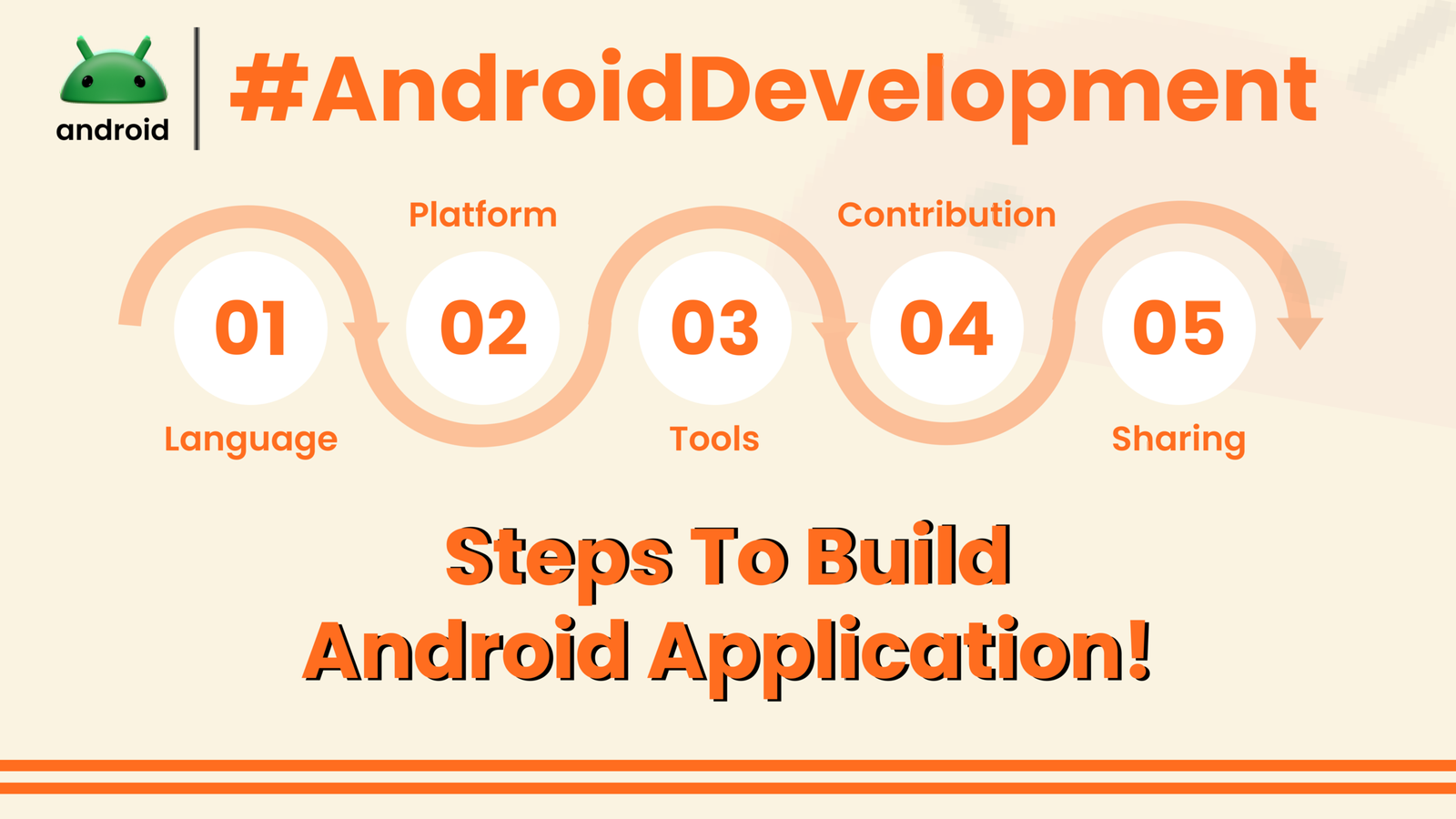
Ever wondered what goes into making your favorite Android apps? It’s a fascinating journey, a blend of creativity and code. Think of it like building something tangible, but instead of bricks and mortar, you’re using lines of code and design elements. We’re going to walk through the process, from the initial spark of an idea to the app landing on your phone.
It’s not just about having a cool idea; it’s about bringing that idea to life in a way that’s useful and enjoyable for people. This process has a lot of moving parts, and understanding them can demystify the world of app development.
The Genesis: From Idea to Concept
Every app starts with an idea. This could be anything – a game, a tool to simplify a task, a social platform, or something entirely new. The crucial first step is refining this idea.
You need to ask yourself: What problem does this app solve? Who is it for? What makes it different from existing apps? This is where a lot of thinking and perhaps some sketching happens. Imagine you want to create an app to track your plants’ watering schedule. That’s the core idea.
Once the core concept is solid, you start thinking about features. For the plant app, this might include setting watering reminders, logging when you last watered, identifying plant types, and maybe even a community forum for plant lovers. This phase is all about defining the app’s purpose and its key functionalities.
Planning and Design: Laying the Blueprint
With a clear concept, the next stage is planning and design. This is where the visual aspect and user experience (UX) come into play. You’re essentially creating a blueprint for the app.
Wireframing is a common practice here. Think of wireframes as rough sketches of each screen in your app. They focus on layout and functionality, not on fancy graphics. For our plant app, you’d sketch out screens for adding a new plant, the main dashboard showing all plants, a screen for individual plant details, and the settings page.
This is followed by UI (User Interface) design. This is where the look and feel of the app are decided – colors, fonts, buttons, icons, and overall aesthetic. A good UI makes the app appealing and easy to navigate. A visually pleasing and intuitive design is key to user satisfaction.
Choosing the Right Tools: The Developer’s Toolkit
Now, we get to the tools of the trade. Android app development primarily uses Java and Kotlin as programming languages. Both have their strengths, and Kotlin is often favored for its conciseness and modern features. You’ll also need an Integrated Development Environment (IDE), the most popular being Android Studio, provided by Google.
Android Studio is like a comprehensive workshop for developers. It includes everything needed to write code, debug issues, and test the app. It provides code editors, performance analysis tools, and a virtual device emulator to test your app without needing a physical phone.
Developers often need to work with various libraries and frameworks too. These are pre-written code modules that help with common tasks, saving developers time and effort. For instance, a library might handle network requests to fetch data from the internet.
Development: Writing the Code
This is the core of app building – translating the designs and plans into actual working code. Developers write the logic that makes the app do what it’s supposed to do.
For our plant app, this means writing code to:
– Save plant details to the device’s storage.
– Schedule and trigger notifications for watering reminders.
– Display images of plants.
– Handle user input, like when a user marks a plant as watered.
This stage involves a lot of iteration. Developers write a piece of code, test it, fix any bugs, and then move on to the next feature. It’s a meticulous process that requires patience and problem-solving skills. Understanding the fundamental concepts of Android development is crucial here.
Testing: Ensuring Everything Works Smoothly
Once the initial development is done, rigorous testing begins. This isn’t just about seeing if the app “runs”; it’s about ensuring it’s stable, performs well, and is free of bugs.
Testing happens on multiple fronts. Developers might test individual components of the app (unit testing). Then, they’ll test how different parts work together (integration testing). Finally, there’s user acceptance testing, where real users try out the app to see if it meets their needs and expectations.
Testing also involves checking how the app behaves on different devices and screen sizes, as Android runs on a vast array of hardware. This ensures a consistent experience for everyone. Performance testing is also vital to make sure the app doesn’t drain the battery or slow down the phone.
Deployment: Releasing the App
After thorough testing and refinement, the app is ready for release. The primary platform for distributing Android apps is the Google Play Store.
Developers need to create a Google Play Developer account and prepare various assets for the store listing. This includes app screenshots, a compelling description, and an app icon. The app itself is packaged into a specific file format (APK or AAB) that Google Play uses.
Submitting the app to the Play Store involves a review process by Google. They check if the app complies with their policies and guidelines. Once approved, the app becomes available for users worldwide to download.
Post-Launch: Updates and Maintenance
The journey doesn’t end once the app is live. In fact, for many apps, this is just the beginning. Users will provide feedback, discover new bugs, and developers will identify areas for improvement.
Regular updates are released to fix bugs, improve performance, and add new features. This ongoing maintenance is essential for keeping users engaged and ensuring the app remains competitive and functional. Think about how often your existing apps get updated – that’s this phase in action.
This continuous cycle of feedback, development, and release is what keeps apps relevant and useful over time. It’s a dynamic process that mirrors the ever-evolving nature of technology and user expectations. For more insights into the Android ecosystem, you can explore resources like androidskillspro.in.
Final Conclusion
Building an Android app is a multi-stage process that transforms a simple idea into a functional piece of software. It involves conceptualizing, designing, coding, testing, and releasing, followed by ongoing maintenance and updates. Each step requires specific skills and attention to detail, from crafting the user interface to writing efficient code and ensuring a bug-free experience for the end-user.