
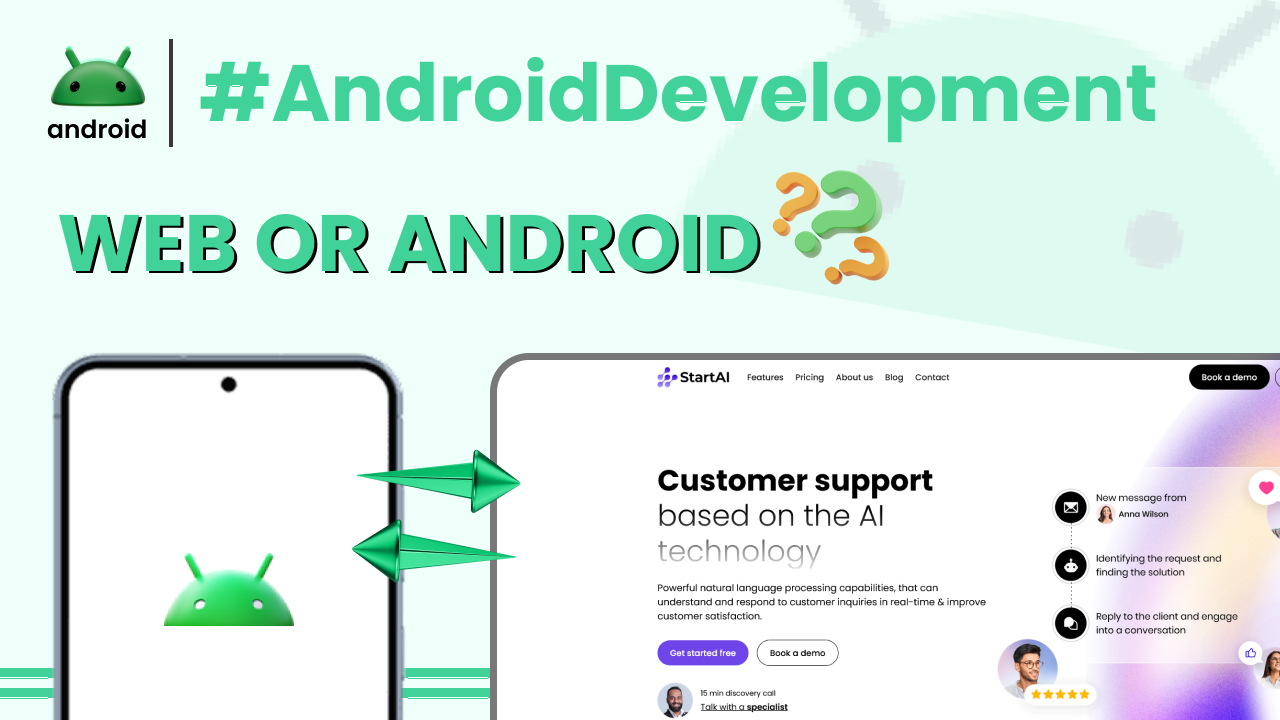
When you use your Android phone, you interact with all sorts of software. Some of it you download from the Google Play Store, and some of it you access through your web browser. These are the two main categories we’re talking about: Android apps and web apps. While they both serve purposes on your device, they work in fundamentally different ways.
Think of it like this: an Android app is like a tool you install in your toolbox, ready to go whenever you need it. A web app, on the other hand, is like a service you access over the internet, only available when you’re connected.
What Exactly is an Android App?
An Android app, also known as a native app, is a software program specifically designed and built for the Android operating system. You find these on the Google Play Store, and you install them directly onto your smartphone or tablet.
These apps are written in programming languages like Java or Kotlin, and they leverage the full capabilities of your Android device. This means they can access your camera, GPS, contacts, storage, and other hardware features directly.
For instance, when you download a game from the Play Store, like Candy Crush Saga, that’s an Android app. It’s installed on your phone, and you can play it even when you’re offline (though some games might require internet for updates or certain features).
Because they are built for the platform, Android apps often offer a smoother, faster experience. They are optimized for your device’s performance and can provide advanced features like push notifications that pop up on your screen.
Understanding Web Apps
A web app, in contrast, is essentially a website that’s designed to look and function like an app. You access these through a web browser, like Chrome or Firefox, on your Android device. You don’t install them in the traditional sense.
Instead, when you visit a web app’s address (URL), your browser downloads the necessary files and displays the application. This means web apps are inherently dependent on an internet connection to work.
A great example is using Google Docs or Google Sheets through your browser. You can create, edit, and share documents, and it feels very much like a desktop application, but it’s all happening within your web browser.
Another common example would be the mobile version of a news website or an online banking portal accessed via a browser. These are designed to be responsive, meaning they adjust their layout to fit your screen size, mimicking the app experience.
The key difference here is that the web app’s code resides on a remote server, not on your device. Your browser acts as the interface to access and run this software.
Key Differences: Installation and Access
The most obvious difference lies in how you get and use them. Android apps require a download and installation process from an app store. Once installed, they reside on your device’s storage and appear as icons on your home screen or app drawer.
Web apps, however, require no installation. You simply navigate to a specific URL using your browser. There’s no icon added to your home screen unless you choose to create a shortcut, which is just a bookmark for the website.
This distinction impacts accessibility. With an Android app, you can often launch it with a single tap on its icon. For a web app, you need to open your browser first, then type in or select the URL. While many sites offer “Add to Home screen” options, it’s still a browser-based shortcut.
Performance and Functionality
Generally, Android apps tend to offer superior performance and a richer set of functionalities. Because they are developed specifically for the Android operating system, they can tap into the device’s hardware more efficiently.
This means that graphically intensive games or apps that heavily rely on your phone’s camera or sensors will typically perform better as native Android applications. They can also run in the background more effectively for tasks like downloading large files or playing music.
Web apps, while increasingly sophisticated, are constrained by browser capabilities and internet speed. Their performance can be variable, and they might not be able to offer the same level of integration with device hardware or background processing.
For instance, an app that tracks your runs using GPS and music playback simultaneously will likely be smoother and more reliable as a dedicated Android app. A web app might struggle with battery life or background syncing.
Offline Access
This is another major differentiator. Most Android apps are designed to function, at least partially, without an internet connection. Many core features can be used even when you’re offline.
Think about a notes app or a photo gallery app. You can open them, view your content, and make edits even if your Wi-Fi is off and you have no mobile data. Your changes are then synced when you reconnect.
Web apps, on the other hand, are almost always dependent on an active internet connection. If you’re in an area with poor or no signal, you won’t be able to access or use a web app.
There are advancements like Progressive Web Apps (PWAs) that are blurring these lines, allowing some offline capabilities, but traditional web apps are strictly online. It’s always a good idea to check the basic terms and definitions for these kinds of technologies, you can find some helpful explanations at Important Android Terms Every User Should Know.
Updates and Maintenance
Updating Android apps is a straightforward process managed by the Google Play Store. The store checks for updates automatically, or you can manually update your apps. Updates often bring new features, bug fixes, and security patches.
When an Android app is updated, the new version is downloaded and installed on your device, replacing the old one. This process ensures you have the latest version available.
Web apps are updated on the server side by the developers. This means that every time you access a web app, you are automatically using the latest version. There’s no action required from your end. Developers can roll out changes instantly to all users.
This server-side updating can be a huge advantage for developers, as they don’t have to worry about users running outdated versions of their applications. For users, it means they always get the most current experience without managing installations.
Development and Cost
Developing an Android app involves a more complex and often lengthier process. Developers need to use specific tools and languages (like Android Studio, Java, or Kotlin) and adhere to platform guidelines. This can translate to higher development costs.
Creating a web app is generally less complex and quicker. Developers can use standard web technologies like HTML, CSS, and JavaScript. Since they only need to build one version that works across different browsers, it can be more efficient.
The cost factor often influences whether a business opts for a native app or a web app, especially for smaller projects or startups. However, the user experience and functionality often dictate the best choice for the end-user.
Which One is Right for You?
The choice between using an Android app or a web app often depends on what you want to do. If you need a rich, high-performance experience, deep integration with your device, or offline capabilities, a dedicated Android app is usually the way to go.
For quick access to services, information, or tools that don’t require heavy device interaction, and where an internet connection is readily available, a web app can be perfectly sufficient. Many services now offer both, giving you the flexibility to choose.
For example, if you’re a frequent traveler, an offline map app (Android app) is essential. If you just need to quickly check your bank balance while on the go, using your bank’s website through a browser (web app) might be all you need.
Understanding these differences helps you appreciate how your smartphone works and make informed decisions about the software you use. You can always learn more about various aspects of Android by visiting androidskillspro.in.
Final Conclusion
In essence, Android apps are powerful, device-specific programs you install, offering deep functionality and often offline access. Web apps, on the other hand, are browser-based services accessed online, known for their ease of access and universal compatibility across devices with a browser.
While native apps provide a more robust and integrated experience, web apps offer convenience and instant availability. Both play crucial roles in how we use our Android devices, each with its own set of advantages depending on the task at hand.