
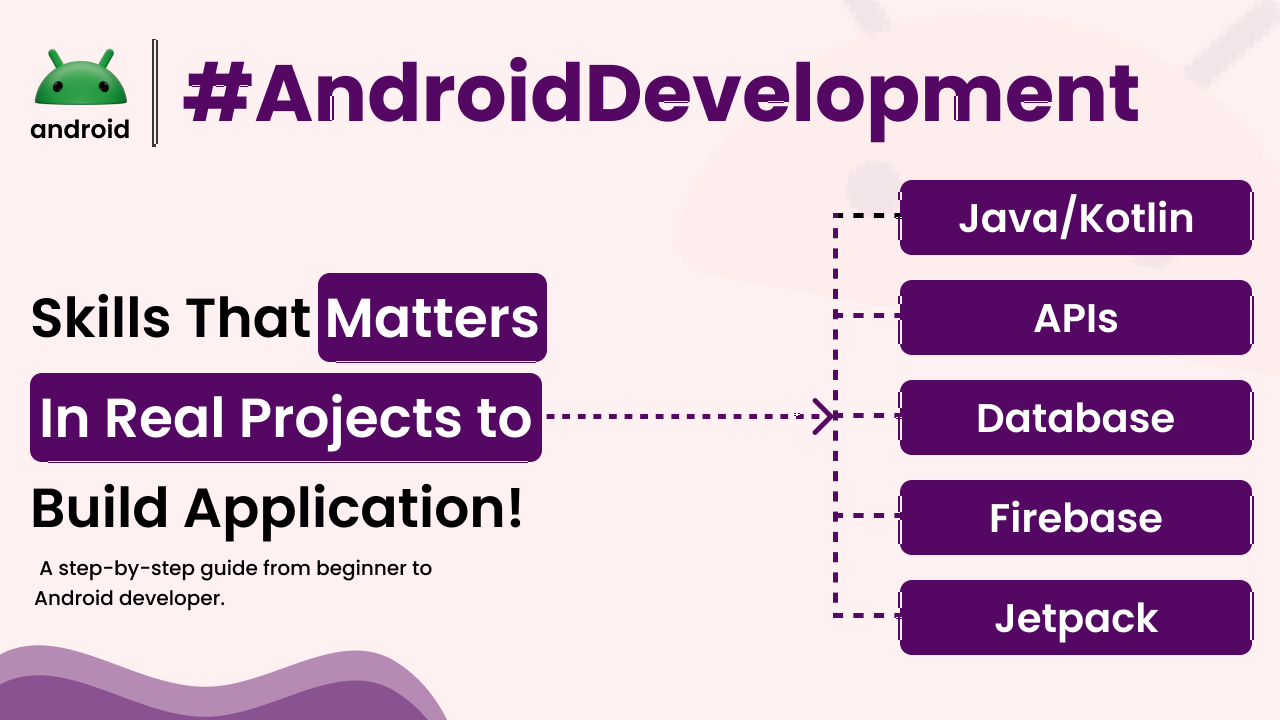
When you’re diving into the world of Android app development, it’s easy to get lost in a sea of technical terms and frameworks. But what actually makes a difference when you’re building something real, something that users will interact with and rely on? It’s not just about knowing the code; it’s about having the right skills that translate into a polished, functional, and user-friendly app. Think of it like learning to cook – you can read all the recipes, but until you understand how to properly chop an onion or manage heat, your dishes won’t quite hit the mark.
For anyone aiming to build robust Android applications, focusing on specific skills can be a game-changer. These aren’t just theoretical concepts; they are practical abilities that experienced developers rely on every single day. We’ll explore these essential skills, breaking down why they’re so important and how they come into play in actual project development, moving beyond just the basics to what truly counts.
Core Programming Proficiency
At the heart of any Android app is the code, and solid programming skills are non-negotiable. This means a deep understanding of the primary languages used in Android development: Java and Kotlin. While Java has been around for a long time and powers many existing apps, Kotlin is now Google’s preferred language for Android development due to its conciseness, safety features, and interoperability with Java. Getting comfortable with one, and ideally having exposure to both, is fundamental.
It’s more than just syntax, though. It’s about grasping programming paradigms like Object-Oriented Programming (OOP). Understanding concepts like classes, objects, inheritance, and polymorphism helps you write cleaner, more maintainable, and reusable code. For instance, when you’re building a music player app, you might create a `Song` class with properties like title, artist, and duration, and then create multiple `Song` objects. This structured approach makes managing your app’s data much more straightforward.
Understanding the Android SDK and Framework
The Android Software Development Kit (SDK) is your toolbox. It’s a collection of everything you need to build apps, including libraries, debugging tools, and emulators. Beyond just having the SDK installed, you need to understand how to use its components effectively. This includes knowing about fundamental building blocks like Activities, Fragments, Services, and Broadcast Receivers.
Each of these components plays a crucial role in how an app behaves. An Activity, for example, represents a single screen with a user interface, like the main screen of a social media app. A Service might run in the background to play music or download updates without the user directly interacting with it. A solid grasp of these elements allows you to structure your app logically and ensure it performs tasks efficiently without draining battery life or hogging resources.
User Interface (UI) and User Experience (UX) Design
An app can be technically brilliant, but if it’s difficult or unpleasant to use, people won’t stick around. This is where UI and UX design skills become critical. It’s about creating interfaces that are not only visually appealing but also intuitive and easy to navigate. This involves understanding Android’s Material Design guidelines, which provide a comprehensive set of best practices for visual, motion, and interaction design across devices.
For example, consider the process of logging into an app. A good UI/UX would ensure the login form is clearly laid out, with obvious fields for username and password, a prominent login button, and perhaps helpful hints or error messages. A poor design might have tiny buttons, confusing layouts, or no clear way to recover a forgotten password. Understanding how users interact with your app and designing to meet their needs leads to higher engagement and satisfaction.
Data Management and Persistence
Most apps need to store and retrieve data. Whether it’s user preferences, game scores, or cached information, knowing how to manage data effectively is vital. Android offers several ways to persist data, including SharedPreferences for simple key-value pairs, the Files system for storing files, and databases like SQLite for more complex structured data. For larger, more relational data, Room Persistence Library, an abstraction layer over SQLite, is highly recommended for its ease of use and compile-time verification.
Imagine a note-taking app. You’d want users’ notes to be saved even if they close the app or restart their phone. Using a database allows you to store each note with its title, content, and creation date, and then efficiently retrieve, update, or delete them as needed. Choosing the right data persistence strategy depends on the complexity and type of data your app handles.
Networking and API Integration
In today’s connected world, many apps need to communicate with servers and external services. This involves making network requests to fetch data from or send data to APIs (Application Programming Interfaces). Skills in handling HTTP requests, understanding JSON or XML data formats, and managing asynchronous operations are essential. Libraries like Retrofit and Volley simplify the process of making network calls in Android.
A weather app is a classic example. It needs to fetch current weather conditions, forecasts, and other data from a weather service’s API. Your app would make a request to the API, receive the data (likely in JSON format), parse it, and then display it to the user in a readable way. Proper error handling for network failures is also a key part of this skill, ensuring your app doesn’t crash if the internet connection is lost.
Testing and Debugging
No piece of software is perfect on the first try. Developers spend a significant amount of time testing their apps to find and fix bugs. This involves understanding different types of testing, such as unit tests (testing individual components), integration tests (testing how components work together), and UI tests (automating user interactions). Android provides testing frameworks like JUnit and Espresso to aid in this process.
Debugging is the process of identifying and resolving defects. It’s like being a detective for your code. You need to be able to read error messages, use debugging tools in Android Studio (like breakpoints to pause execution and inspect variable values), and systematically track down the source of problems. A well-debugged app is more stable, reliable, and provides a much better user experience. Learning how to debug efficiently can save countless hours of frustration.
Version Control Systems (e.g., Git)
For any project involving more than one person, or even for solo projects where you want to keep track of changes, version control is indispensable. Git is the industry standard. It allows you to track changes to your codebase over time, revert to previous versions if something goes wrong, and collaborate with other developers by merging their code into yours. Understanding concepts like repositories, commits, branches, and merges is crucial for team-based development and managing project history.
Imagine you’re working on a feature and accidentally break something fundamental. With Git, you can simply revert back to a working state before you made those changes, preventing a major setback. It also allows multiple developers to work on different parts of the app simultaneously without overwriting each other’s work. This skill is fundamental to professional software development workflows.
Understanding of Architecture Patterns
As apps grow in complexity, maintaining a clean and organized codebase becomes challenging. Architecture patterns provide blueprints for structuring your app’s code in a way that is scalable, testable, and maintainable. Common patterns in Android development include Model-View-ViewModel (MVVM), Model-View-Presenter (MVP), and Model-View-Intent (MVI). MVVM, often used with Android Architecture Components like ViewModel and LiveData, is particularly popular for its separation of concerns and lifecycle awareness.
Using a pattern like MVVM helps separate the UI (View) from the business logic and data (Model), with a ViewModel acting as an intermediary. This means your UI code is cleaner, and your business logic can be tested independently of the UI. For example, the ViewModel would hold data that the UI needs and update the UI when that data changes, without the UI directly accessing data sources. This separation makes the app easier to update and less prone to bugs when platform changes occur.
Continuous Learning and Adaptability
The Android ecosystem is constantly evolving. New libraries, tools, and best practices emerge regularly. Therefore, one of the most important skills isn’t a specific technology, but the ability to learn continuously and adapt to change. Staying updated with official Android developer resources, following reputable blogs, and experimenting with new technologies are key to long-term success in Android development. You might start by understanding how Android differs from other mobile operating systems, but the journey requires ongoing growth.
The mobile landscape shifts rapidly, and what’s cutting-edge today might be standard practice tomorrow. A developer who isn’t willing to learn new things will quickly find their skills becoming outdated. This means dedicating time to reading documentation, taking online courses, and participating in developer communities. It’s a mindset of perpetual improvement that truly sets successful Android developers apart.
Final Conclusion
Building successful Android applications in real-world projects goes far beyond simply writing code. It requires a blend of strong programming fundamentals, a deep understanding of the Android SDK, a keen eye for UI/UX, effective data management, networking capabilities, rigorous testing, proficiency in version control, adherence to architectural patterns, and a commitment to lifelong learning. By focusing on developing these practical skills, aspiring developers can move from theoretical knowledge to creating robust, user-friendly, and maintainable Android applications that stand out in a competitive market.