
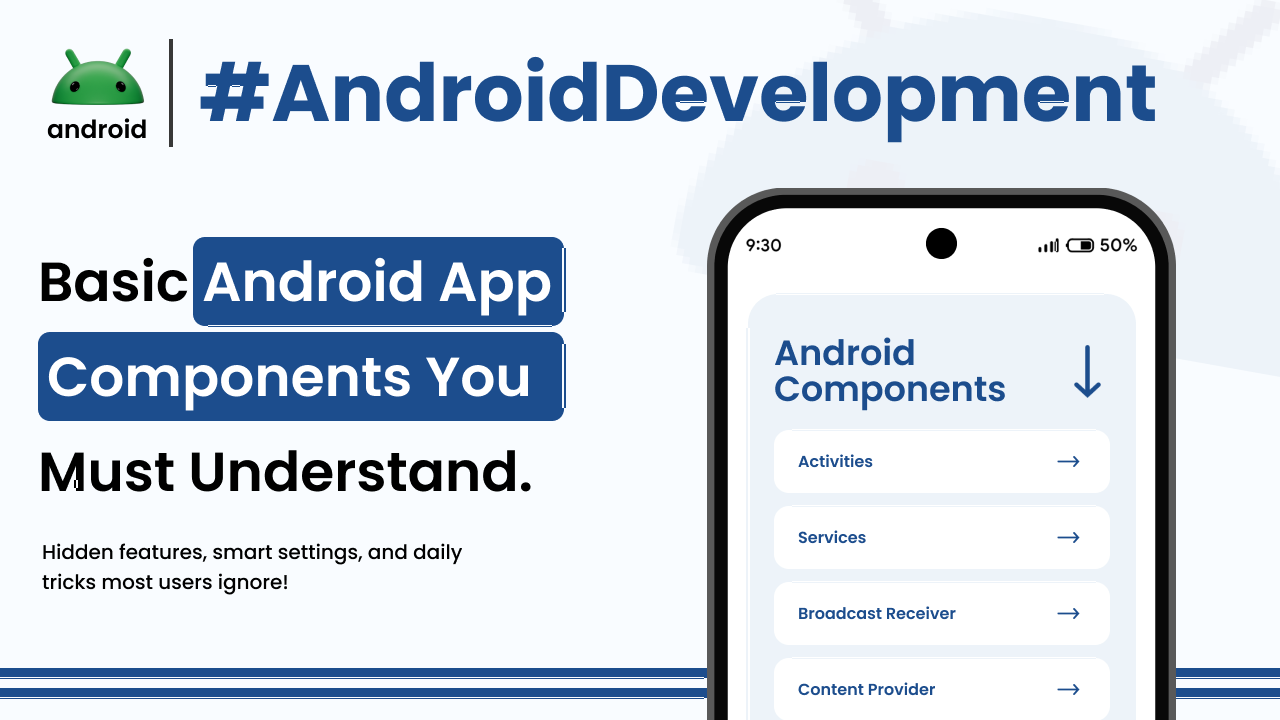
When you first dive into the world of Android app development, it can feel like looking at a complex puzzle. There are so many pieces, and understanding how they all fit together is key. Think of your Android phone for a moment. Every app you tap on, whether it’s for checking the weather, playing a game, or messaging a friend, is built using several fundamental building blocks. These are the basic Android app components. Getting a handle on these is your first big step toward building your own Android applications.
We’re not talking about the fancy coding languages just yet. Instead, let’s focus on the core parts that make an app do what it does. Understanding these components is like learning the alphabet before you can write a story. It lays the foundation for everything else you’ll learn. So, let’s break them down in a way that makes sense, using examples you’re already familiar with from your daily phone use.
Activities: The Screens Your Users Interact With
Imagine opening your favorite social media app. The first thing you see, perhaps a feed of posts or a login screen, that’s an Activity. In Android terms, an Activity represents a single screen with a user interface. It’s where your users will spend most of their time, interacting with your app’s features.
Think about navigating through your phone. When you switch from your home screen to open your email app, and then tap on an email to read it, you’re moving between different Activities. Each distinct view or screen that a user can see and interact with is typically an Activity. An app can have multiple Activities, allowing users to move between different parts of the application.
For instance, in a music player app, you might have one Activity showing your song list, another Activity displaying the currently playing song with controls, and perhaps another for settings. When you tap on a song from the list, the app transitions to the “now playing” Activity. This seamless transition is a core function of Activities.
Services: For Tasks Running in the Background
Now, what about things that happen without you actively looking at a screen? Services are the workhorses that perform long-running operations or work in the background. They don’t have a user interface of their own.
Consider listening to music while you browse the web or lock your phone. The music player is still running, downloading new songs, or streaming audio even though you’re not looking at its screen. That’s a Service at work. It continues its task independently of any user interaction on a specific screen.
Another example is a download manager. When you download a large file, the download continues even if you switch to another app or turn off the screen. This is managed by a Service. It’s designed to keep going until its job is done or until it’s explicitly stopped. Services are vital for apps that need to perform tasks like syncing data, playing media, or monitoring network connections without needing the user to be actively engaged with a specific interface.
Broadcast Receivers: Responding to System-Wide Events
Android is a dynamic operating system. Many things happen that your app might need to know about or react to. This is where Broadcast Receivers come in. They are components that respond to system-wide broadcast announcements.
Think about when your phone’s battery gets low, or when you connect to Wi-Fi. These are events that the Android system broadcasts to all listening applications. Your apps can register to receive these broadcasts and perform actions accordingly.
For example, an app might want to pause its background music playback when it receives a “low battery” broadcast to conserve power. Or, an app that relies on an internet connection might start a data sync process when it receives a “Wi-Fi connected” broadcast. Broadcast Receivers act like listeners, waiting for specific signals from the Android system or other apps, and then reacting to them. They are crucial for making your apps aware of and responsive to the ever-changing state of the device.
Content Providers: Managing and Sharing App Data
Every app stores data, and sometimes, different parts of an app, or even different apps, need to access and share this data. Content Providers are the guardians of application data. They manage a set of application data and provide mechanisms for sharing it with other applications.
Imagine an app that stores your contacts. This app uses a Content Provider to manage your contact information. If another app, like your messaging app, needs to access your contacts to let you send a message to a friend, it can do so by querying the contact app’s Content Provider.
Content Providers abstract the underlying data storage, whether it’s in a database, on internal storage, or elsewhere. They define a standard interface for accessing and manipulating data, ensuring that data can be shared securely and efficiently. This component is essential for creating data-driven applications and enabling interoperability between different apps on your Android device. It’s a powerful way to handle data and make it available to those who need it, with appropriate permissions, of course.
Understanding How They Work Together
These four components – Activities, Services, Broadcast Receivers, and Content Providers – are the fundamental building blocks of most Android applications. They don’t operate in isolation; they work in concert to create a cohesive and functional app experience.
An Activity might start a Service to perform a task in the background. That Service might use a Content Provider to access or store data. If a system event occurs, like a network connection change, a Broadcast Receiver can be triggered, which might then notify an Activity or start a Service. It’s this interplay that allows for complex and dynamic applications.
For example, a news app might have an Activity showing the latest headlines. When you tap on a headline, it might launch another Activity to display the full article. Meanwhile, a Service could be running in the background, periodically fetching new articles and updating them. A Broadcast Receiver could be set up to listen for network changes, pausing the background download if the connection drops and resuming it when it returns. All these components collaborate to provide a smooth user experience.
Learning about these basic Android app components is a critical step in your journey into Android development. It’s the first layer of understanding how the apps you use every day are constructed. As you progress, you’ll delve deeper into the specifics of each component and how to best utilize them.
Final Conclusion
Grasping the core components of Android applications – Activities, Services, Broadcast Receivers, and Content Providers – is essential for anyone starting in app development. Activities serve as the visual interface, the screens users interact with. Services handle tasks that need to run in the background without direct user interaction. Broadcast Receivers enable apps to respond to system-wide events, keeping them informed and adaptable. Content Providers manage and share application data, allowing for structured data access and interoperability. Understanding how these pieces fit together is fundamental to building robust and functional Android apps.